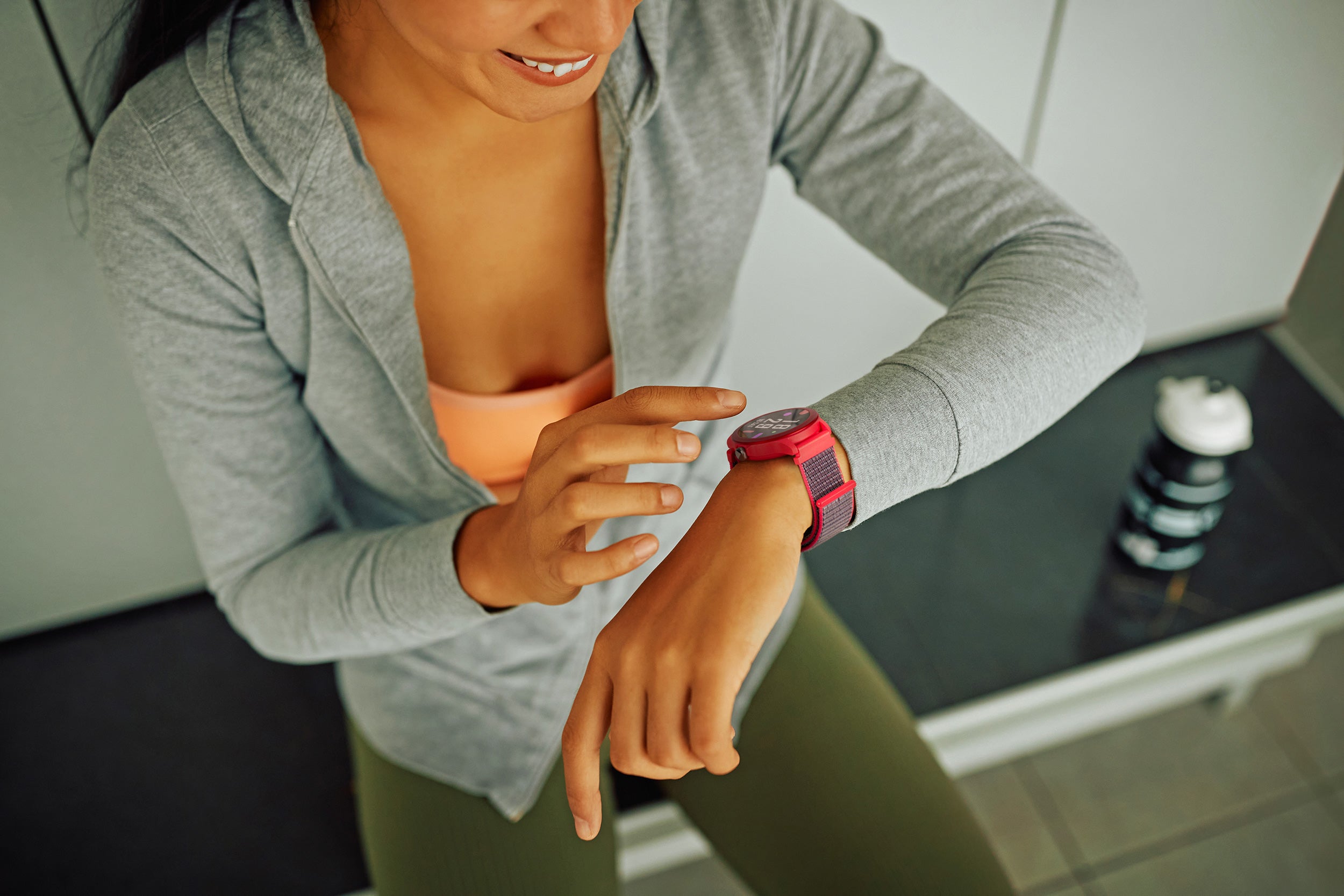
Connect your life. Take control of your health. / Your health · Your pace · Your control.
With SMART YOU, SPC’s app designed for your wearable devices, you can manage your wellbeing right from the palm of your hand. Track your health, monitor your physical activity, and stay connected in a way that’s simple, intuitive, and tailored to you.
Why install SMART YOU?

Full control of your daily activity
Track your steps, distance covered, and calories burned in detail. Set personal goals and monitor your progress to stay motivated and active every day.

Take care of your health at a glance
Access key health metrics like heart rate, blood oxygen level (SpO₂), and sleep quality. SMART YOU gives you a clear, easy-to-understand overview of your daily wellbeing.

Train with precision
Whether you’re a sports enthusiast or just want to stay in shape, SMART YOU lets you track more than 100 activities in detail. Measure your performance and improve with every workout.

Notifications on your wrist
Never miss an important message. With SMART YOU, receive call, message, and app notifications directly on your watchso you’re always connected.
3 steps to start using SPC Care


Clear your doubts here
How do I start using SMART YOU with my watch for the first time?
How do I start using SMART YOU with my watch for the first time?
Simply download the SMART YOU app on your smartphone, create an account with your email, and link your watch from the “Device” section. The process is guided and straightforward. In just a few minutes, your watch and phone will be connected and will begin syncing data automatically.
ically.
How does SMART YOU help me in my daily life?
How does SMART YOU help me in my daily life?
The app clearly displays your steps, calories, sleep, and physical activity. You can also review your workouts and track your progress by day or week. It’s an easy way to understand how active you are and how well you’re resting.
Is it complicated if I’m not very tech-savvy?
Is it complicated if I’m not very tech-savvy?
Not at all. The app is organized into simple sections like Home, Profile, and Device. Your data is shown with easy-to-read charts. You can’t “break” anything — you can always adjust settings or resync your watch whenever you need.
What should I do if the watch doesn’t connect or I have questions?
What should I do if the watch doesn’t connect or I have questions?
Yes. The watch gathers the data and the app displays it clearly on the phone. You can help them set it up on the first day and set their goals. After that, daily use is automatic: they just have to wear the watch.
O que faço se o relógio não se conecta ou se tiver alguma dúvida?
O que faço se o relógio não se conecta ou se tiver alguma dúvida?
Make sure your phone’s Bluetooth is turned on and go to the “Device” section to reconnect it. If it still doesn’t connect, you can check the support section within the app or on the official SPC website. You can always repeat the pairing process without losing control of your account.