


SPC GOSSIP 2
SPC GOSSIP 2
Regular price
€39,99
Selling price
€39,99
Regular price
Taxes included.
Let's make it simple
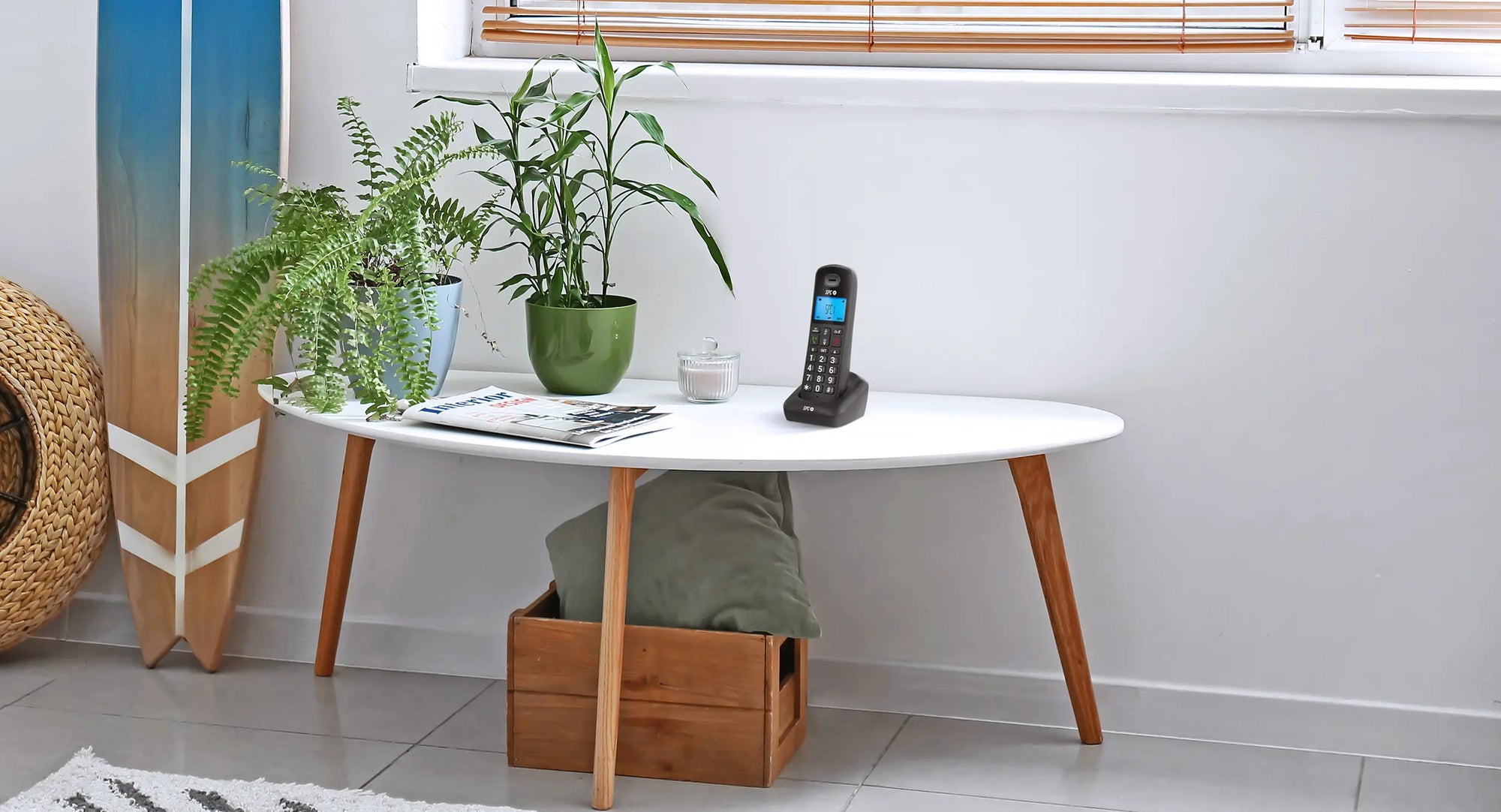
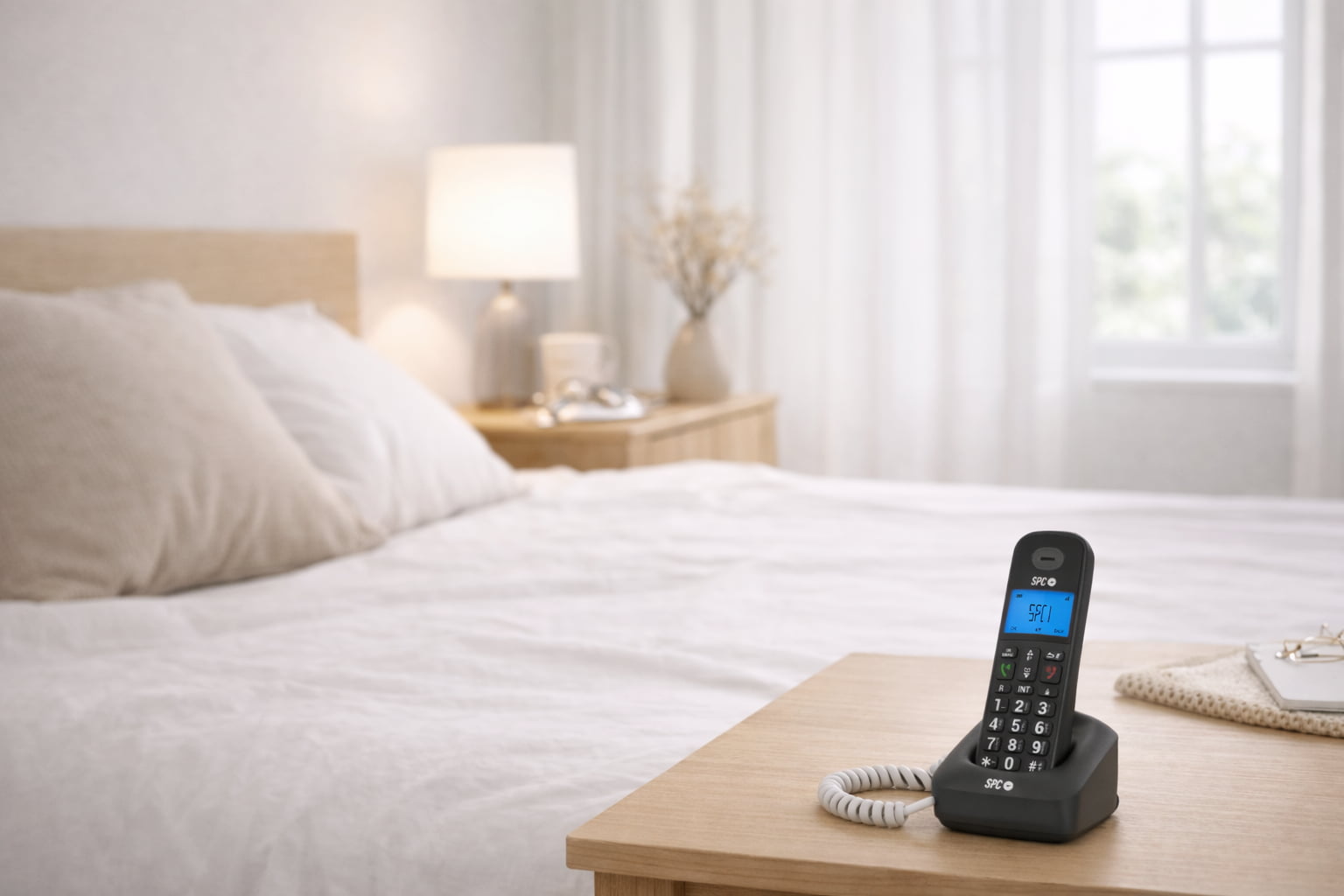
Wireless landline phone with a blue backlit screen and well-spaced buttons to make calling easy and safe. With a directory for up to 50 contacts and useful features for greater comfort from day one.
Présentation du produit
Présentation du produit
Spécifications techniques
Spécifications techniques
Manuel
Manuel
Related products
Designed to see, mark, and speak without difficulty
-
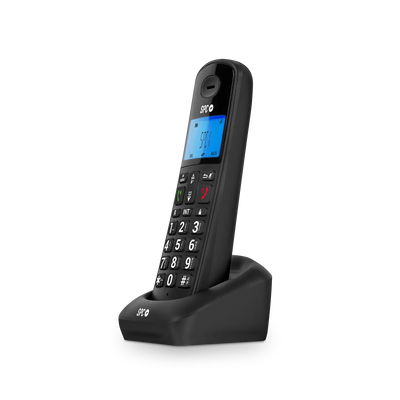
Visible and well-spaced numbers to avoid dialing mistakes.
-
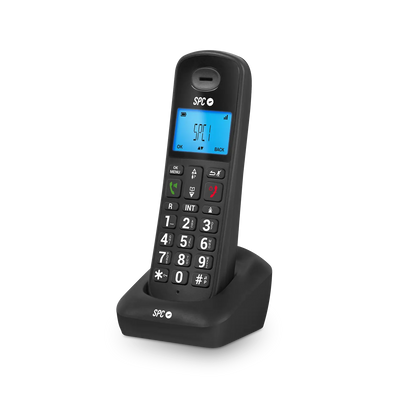
Backlit screen to see who is calling, call duration, and battery status.
-
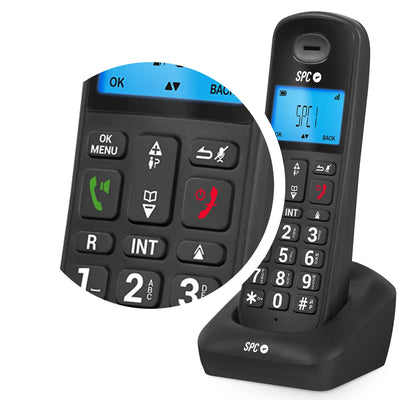
10 ringtone melodies, 6 volume levels, and 5 in the earpiece.
-
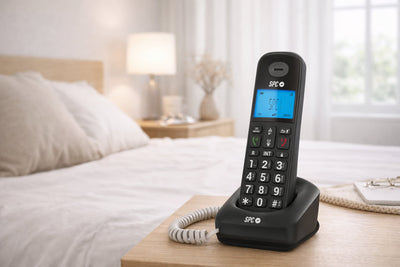
Ideal for people with reduced vision or unfamiliar with landline telephony.

Designed to feel natural to use
Comfortable keyboard for secure dialing
Wide screen that displays the relevant information
Intuitive use from the very first moment
Comfort in every call, also for the family
Caller ID to know who is calling before answering
Log of the last 10 received calls, 5 made calls, and redial function
Optional automatic hanging when placed on the base
Technical support
Send our team a message and we will reply as soon as possible
How do I start using the telephone as soon as I get home?
How do I start using the telephone as soon as I get home?
Connect the base to the power outlet and the telephone socket, place the handset to charge, and wait for the screen to light up. When it turns on, you can make calls as usual.
Is it easy to dial the numbers if I cannot see well?
Is it easy to dial the numbers if I cannot see well?
Yes. The numbers take up almost the entire key, are well spaced, and are clearly readable, which helps to dial without mistakes and with more confidence.
Can I talk without holding the phone all the time?
Can I talk without holding the phone all the time?
Yes. You can activate the Hands-Free function and speak comfortably while doing other tasks or when you need to rest your arm.
Can I prevent my child from calling by mistake?
Can I prevent my child from calling by mistake?
Yes. The keyboard can be locked to prevent accidental calls if a child picks it up and plays with it.
What should I do if I do not remember where I have left the telephone?
What should I do if I do not remember where I have left the telephone?
Press the search button on the base and the phone will ring, so you can find it more easily.