


SPC AIR
SPC AIR
Regular price
€23,90
Selling price
€23,90
Regular price
Taxes included.
If you seek simplicity, you seek AIR
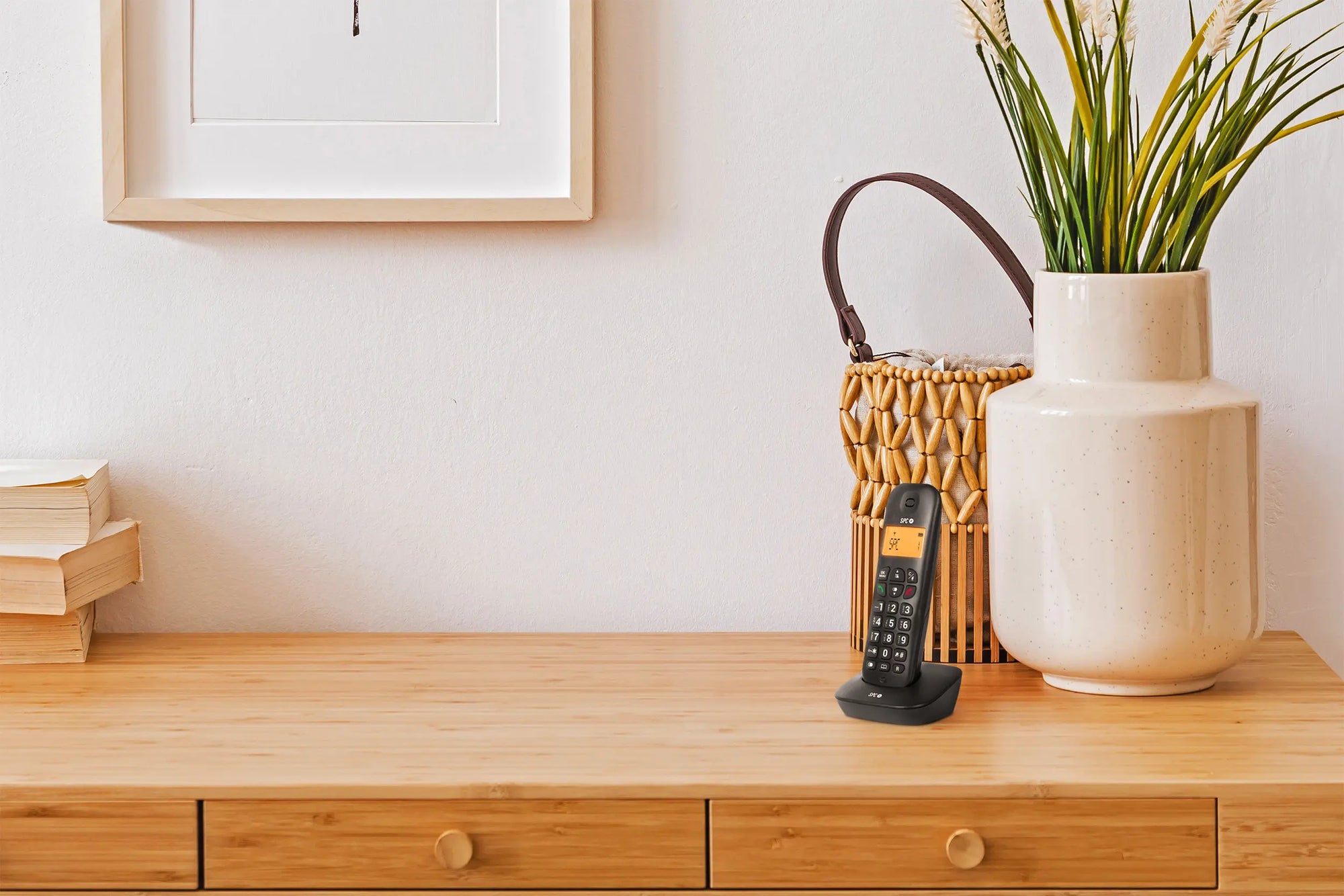
Comfortable and easy-to-use cordless landline phone, with an amber-lit screen to clearly see who is calling, day and night. Lightweight and designed for everyday calls, without complications.
Presentación producto
Presentación producto
Ficha técnica
Ficha técnica
Related products
A straightforward phone
-

High-contrast screen to clearly see who is calling
-

Simple handling, designed for everyday use
-

Light and ergonomic, suitable for long calls
-

Useful functions without complicated menus


To use it from the first day, without fear of making mistakes
Screen with basic information always visible
Spaced buttons with direct functions
Simple and customizable setup

Calls full of safety for you and your family
Caller ID to know who is calling before answering
Record of the last 10 received calls and 5 made calls and redial function
Adjustable volume in 6 levels and mute option to respect rest

Technical support
Send our team a message and we will reply as soon as possible
How do I start using the telephone for the first time?
How do I start using the telephone for the first time?
You only need to connect the base to the telephone socket and the power supply, place the handset on the base to charge, and wait a few minutes. When the screen lights up, it is ready to make a call.
Is it easy to see who is calling me?
Is it easy to see who is calling me?
Yes. The screen lights up in amber color and shows the contact's name if saved or the full number if not, with large letters and good contrast.
Can I turn up the volume if I can't hear well?
Can I turn up the volume if I can't hear well?
Of course. You can adjust the ringer volume in 6 levels (including silence) and the handset volume in 5 levels until you find the one that suits you best.
Can I prevent a child from calling by mistake?
Can I prevent a child from calling by mistake?
Yes. The keyboard can be locked to prevent accidental calls if someone picks it up to play.
What do I do if I cannot find the telephone at home?
What do I do if I cannot find the telephone at home?
From the base, you can press a button to make it ring and help you find it.