



Give them autonomy without giving up your peace of mind
Your child is growing, and so is their relationship with technology. With SPC’s evolving devices, you can adapt features, limits and permissions so their first smartphone, tablet or smartwatch fits their age, maturity and your family rules.
Technology does not have to arrive all at once. The key is to introduce it step by step.
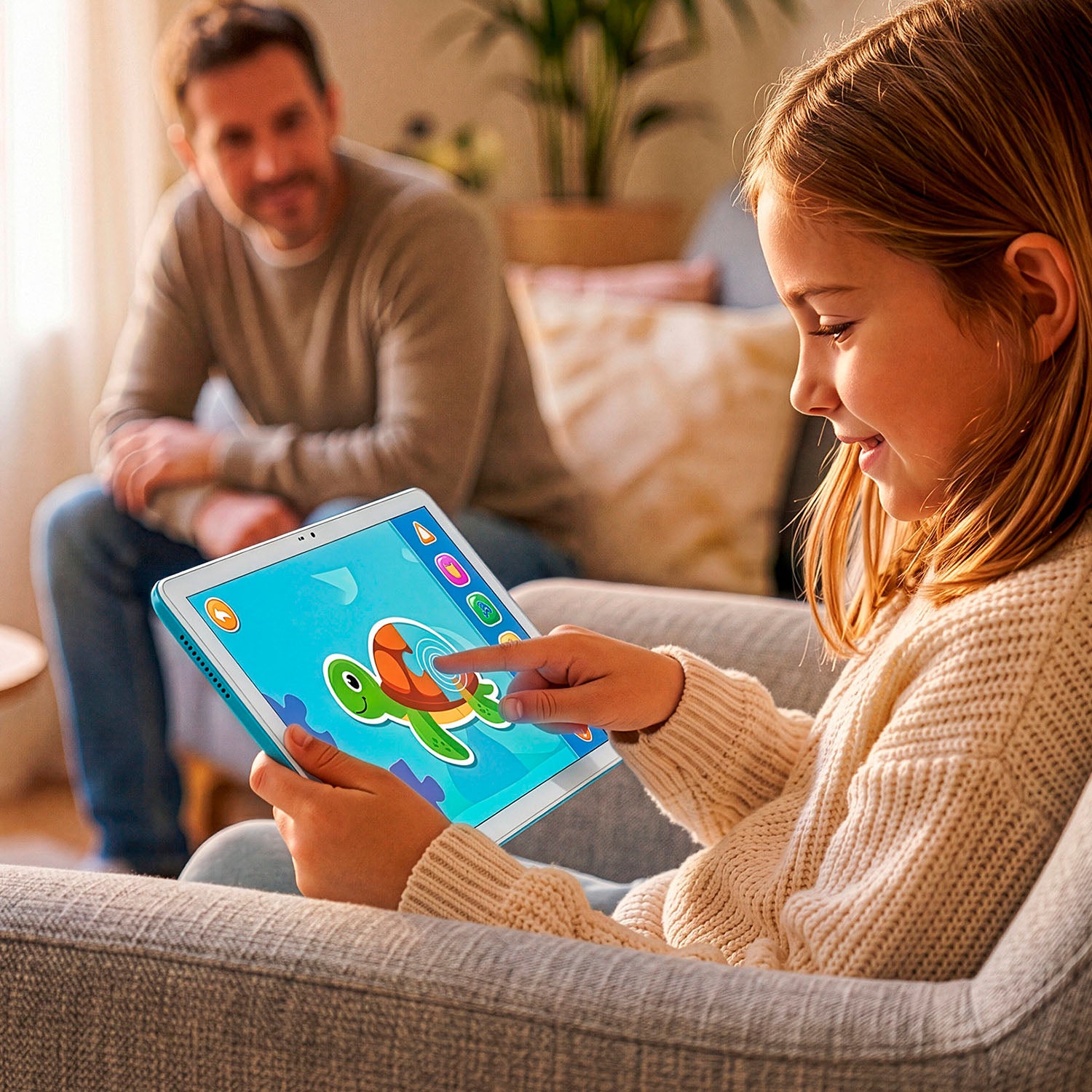

It is not just a technical feature.
It is a way to make boundaries visible and help the family apply them more clearly.
Parental control makes it possible to adapt the use of a smartphone, tablet or smartwatch to a child’s age and maturity. It helps set schedules, limit apps, approve downloads, manage contacts, block unsuitable content and support their first digital steps.
How do I know if parental control is for me?

If you want to protect their childhood
That only sees content suitable for their age

If you want there to be no arguments
The schedules and limits are clear from the start

If you want to use the technology without becoming dependent on it
Good habits begin on the first day

If you worry about whom they might speak with
You choose their contacts

If you want to feel peace even when you are not together
You will know that everything is under control

To begin with, what is parental control?
Parental control is the set of tools that allows mothers, fathers or guardians to adapt the use of a device to a minor’s age and maturity. It is used to limit screen time, approve apps, block content, manage contacts, check location or set rest times.
But parental control does not replace family guidance. Its role is to help make boundaries clear, consistent and easy to apply while the child learns to use technology responsibly.




These are the key functions of parental control provided by SPC devices

Application and Internet control
Approve or reject downloads
Allow only approved websites
Pause or block installed apps
* For WUUM ONE and WUUM TAB with the SPC Circles app

Time limits on use
See which apps they use and for how long
Set daily and app-specific limits
Set times when the device should not be used
* For WUUM ONE and WUUM TAB with the SPC Circles app

Location and safety
Real-time geolocation
Define safe places or safety zones
SOS button to ask for help (watches only)
* For WUUM ONE from the SPC Circles app and for watches from the SMART CLAN app

Contact management
Safe contacts only
Safe chats with trusted circles
Blocks phone calls from unauthorised numbe
* For WUUM ONE and WUUM TAB from the SPC Circles app and for watches from the SMART CLAN app


For WUUM ONE and WUUM TAB devices
It is SPC’s exclusive app to support little ones in their first steps with the evolving WUUM ONE smartphone and the WUUM TAB tablet. It is the safe network for families and minors.


To manage children’s smartwatches
SMART CLAN is SPC’s app for managing the smartwatch of the youngest members of the family and monitoring their activity.


